Hi,
I have a model in a well known 3d format (like obj/fbx/dae/3ds).
The model is fully baked and the meshes in the model have various kinds of textures(diffuse, height, emmissive etc.)
How can I load such a model and render in my game?
I knew that Xenko can use Assimp and load a 3d model but I could not find any sample code to render the loaded model.
Thanks in advance.
You can add the assimp dlls to your project …
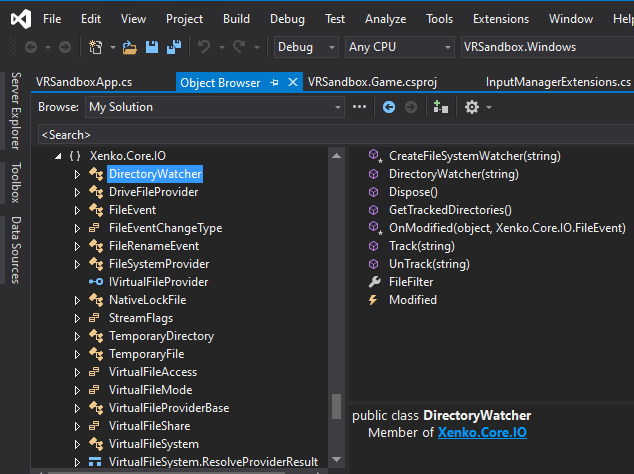
Further you can investigate the methods in the dynamic libraries which are generated with the game. You can learn a great deal from just examining what is available to you there.
Hap
Hi,
I cannot do it as I am generating the model at runtime.
is it generative or load from file?
The examples tonfilm provided are for immediate mode drawing.
I found there was a bit of a documentation gap in trying to understand how to load a retained-model into Stride3d, so that it handles drawing.
I wrote this sample, which loads a Wavefront OBJ file, at runtime, creates a model, and attaches it to an entity. This does not use immediate mode drawing, but instead sets up the buffers so Stride3d can draw it during it’s draw loop.
I also submitted a documentation update to: https://doc.xenko.com/latest/en/manual/scripts/create-a-model-from-code.html
Until it goes through, here is the relevant code snippit to manually add a single triangle to a MeshDraw:
